Migration to Food Operations
Bring your operation into Chyve.
Moving from another system? We’ll review what you use, what you want to bring, and the next steps into Food Operations.
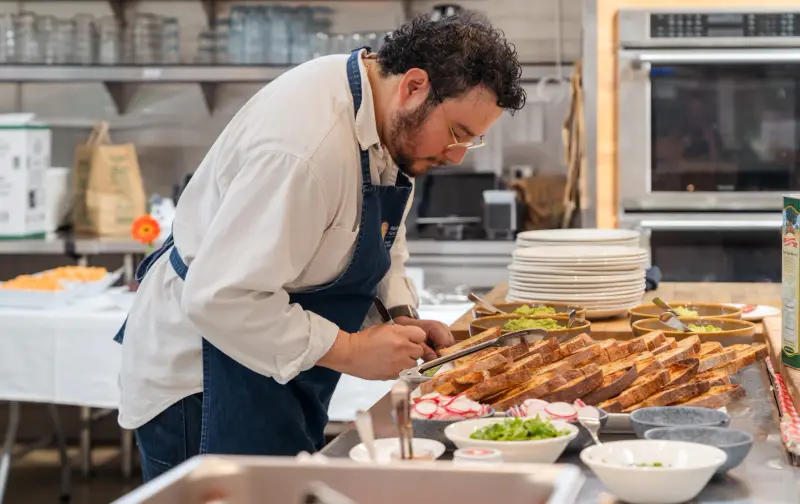
A clear starting point
Start with your operation.
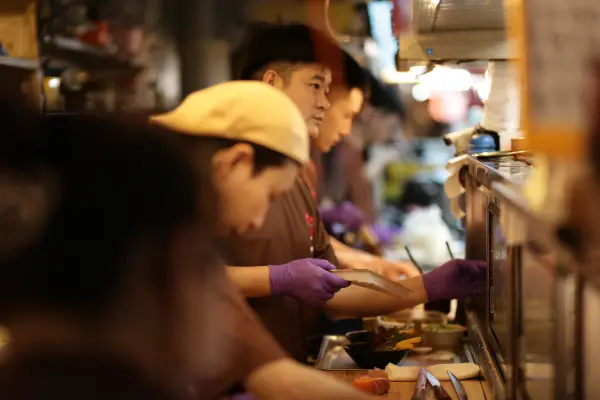
Your current tools are part of a working day. Understanding that day is the starting point for a useful migration conversation.
Tell us what you use.
Start with the tools, records and routines you rely on. How do you manage your menu, preparation and orders today? Where does the important information live?
Decide what matters.
Talk through the information you want to bring and the parts of your routine you want to keep. Identify what needs a closer look before making changes.
Understand the next step.
We'll help you understand the proposed move, including what needs checking before you decide how to proceed. The starting point is your setup and what you need from Food Operations.
Already using another tool?
-

- Square
-
-

-

Built around the work
See where your work can go.
Food Operations brings Products, Inventory, Recipes, Production, Purchasing and Orders into a connected workspace for independent Food Vendors. Explore the tools and see how they fit the way you make, sell and serve.