Ways to start

Choose how you get started.

Use your WordPress website, let Chyve host Food Operations, or start with a complete website.

Built around where you are

The same Food Operations. A setup that fits your brand.

The same food tools, with a choice of website and hosting.

Use your WordPress website

Keep your website and hosting

Add Food Operations to the WordPress website you already run. Keep your current website and hosting. Compatibility depends on your website's setup.

Chyve provides
Food Operations software for your WordPress site.
Your starting point
Your current WordPress website and its hosting.
Explore Software

Let Chyve host it

Your own ordering page. No website required.

Use Food Operations in a workspace hosted by Chyve. Share your ordering link, or use the supported embed on an existing website. No separate website required; the link needs no custom domain.

Chyve provides
A hosted workspace and optional ordering page with your menu, supported cart, checkout, fulfillment and order details.
Your starting point
Your brand and menu. No homepage, About page or blog needed.
Explore Hosted

Website + Food Operations

Your brand, a complete website

Start with a complete editable website, hosting, templates, WordPress editor and Food Operations together. Build and maintain it yourself, or choose optional website build and care independently.

Chyve provides
A complete public website around the same Food Operations and ordering tools.
Your starting point
Your brand, what you sell and how your operation works.
Explore Site + Ops

Already have a website? Keep it. Your website can direct customers to your Chyve-hosted ordering page with a normal Order link or button. Website + Food Operations adds the complete site around the same operations and ordering tools.

See How It Works

A clear starting point

A few details make the next step clearer.

A little context helps us recommend the right setup.

  1. Your brand and starting point

    Have your Brand name, Brand email and current website, if any, in mind. Decide what you want to keep and what you need.

  2. Your food and service

    Start with your menu or Products, hours and supported pickup or delivery arrangements. Ordering is optional if you only need the operations tools.

  3. Your first working day

    Consider the orders, stock and preparation you need to see first. Review the details that matter before putting your workspace to work.

Bring your operation with you

Already have a working setup?

We’ll help you plan the move from your current tools and records.
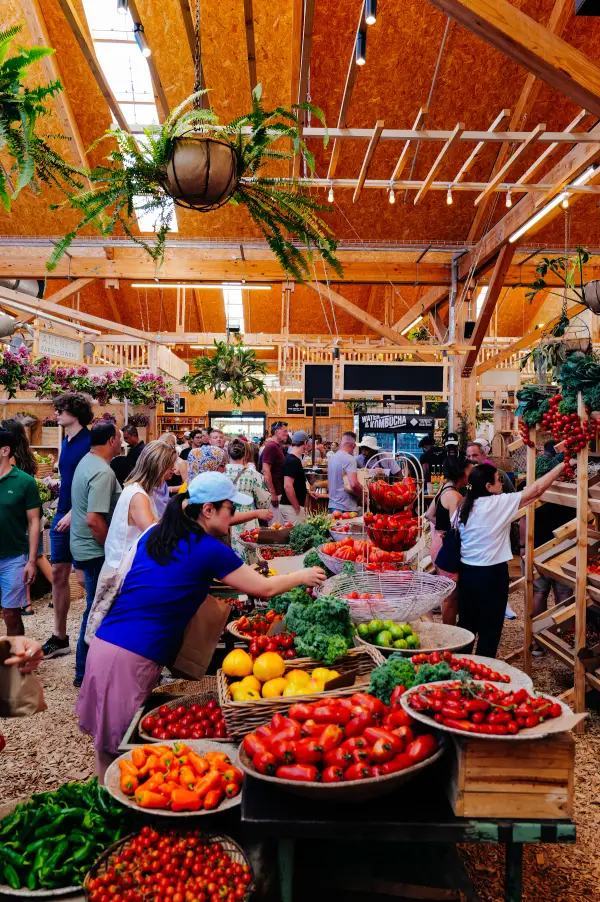
People moving among produce stands inside a busy food market.

Good to know

Questions about your starting point.

Can I keep my website?

Yes. Use Software on your supported WordPress site, or share a Hosted ordering link from your current website. A supported embed is another Hosted option.

Explore Hosted
Is setup or website care required?

Guided self-setup has no required fee. Assisted setup, website build and care are optional. A paid Chyve website build includes assisted setup, without a second setup charge.

See pricing and setup
Does the package change where my records live?

Software uses your hosting. Hosted and Site + Ops use your Chyve-hosted installation. Account/billing, payment providers and chosen connections have separate responsibilities.

Read about your records