

Chyve Food Operations
Run your food operation without fighting your software.
Products, ingredients, production and orders, connected in one clear workspace. Food operations software built for the pace of independent Food Vendors.


Easy to begin. Ready for a real working day.
Start with the way you work
A guided beginning brings your Products, hours and fulfillment settings together, with clear next actions as you get set up.
Take the work with you
Move between phone, tablet and desktop. Focused views keep everyday tasks close, wherever the day takes you.
Go deeper when you need to
Keep the everyday view clear, with the detail behind stock, batches, orders and costs ready when a question needs an answer.
A helping hand in the kitchen
YesChef — your AI kitchen helper
Help with stock, recipes and everyday admin. You review changes before they happen.
Know your stock
Ask about low stock and priorities.
Work with recipes
Explore recipes using your ingredients.
Keep details current
Draft business updates from the details you approve. Review the words and images before sharing them.
Your weekly allowance
Subscriptions include a capped weekly allowance. Ongoing YesChef and cloud use are separate from lifetime Software.
XPo helps you find your way
XPo helps you find your way around Chyve and get answers about your account. Account help is separate from your kitchen’s YesChef allowance.
Products & Specials
Keep what you sell in step with what you make.
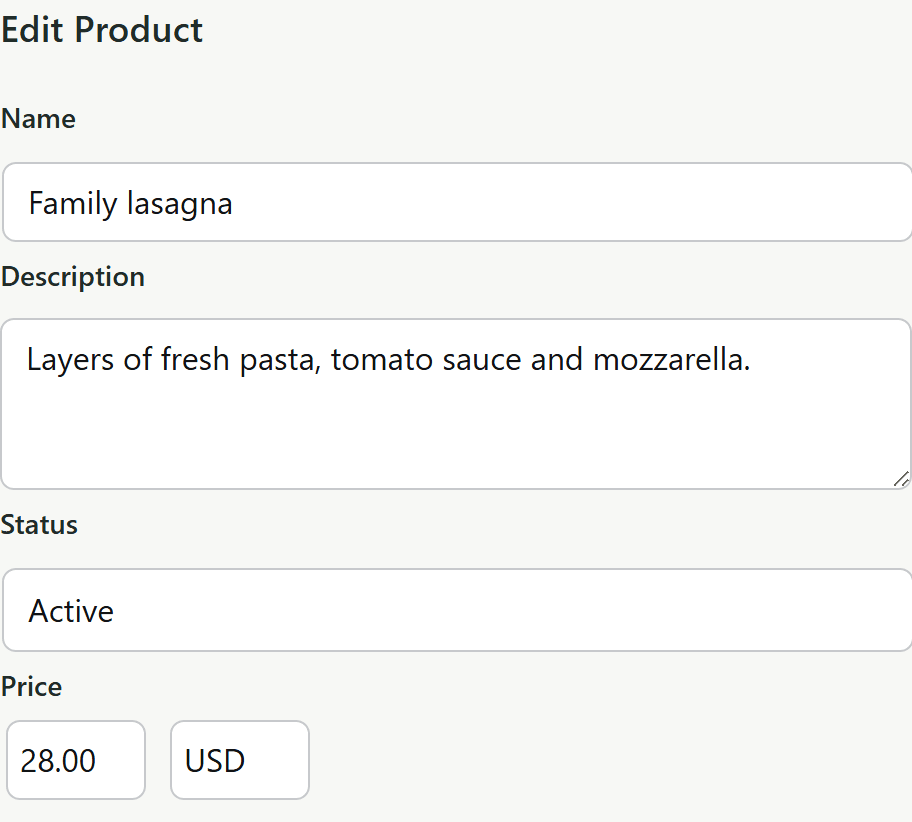
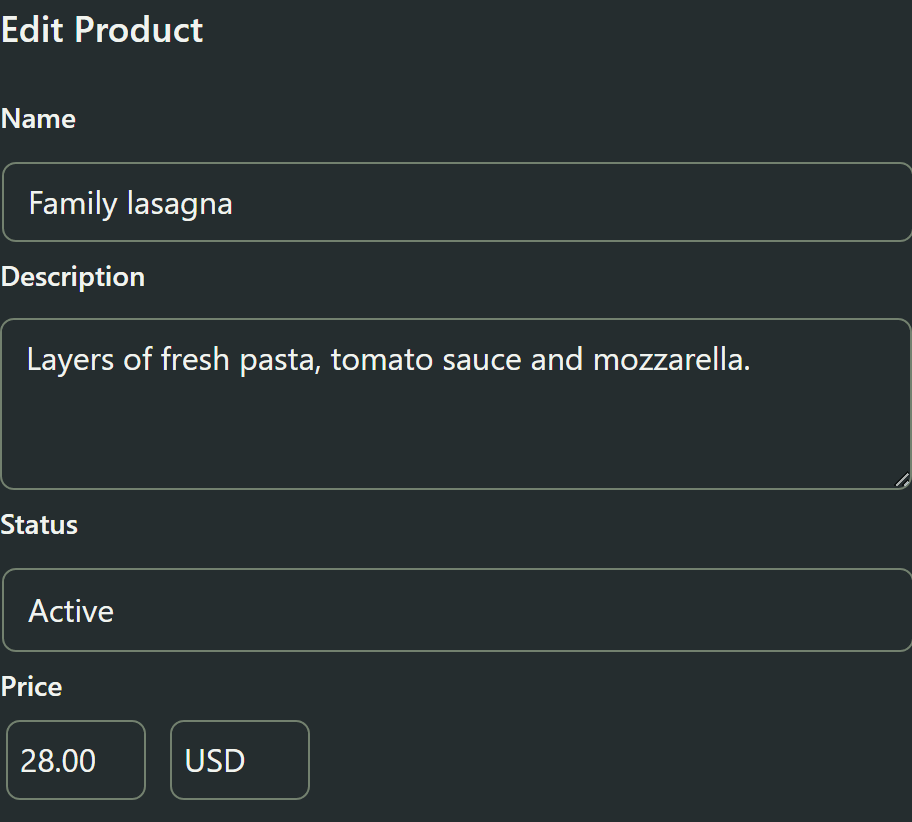
Keep Products, prices and availability current, and schedule Today's Specials. Open each item's details when you need to adjust preparation time or fulfillment.
Behind the menu
The kitchen work behind every order.
One connected workspace for the ingredients, preparation and purchasing that turn your menu into food.
Inventory
Know what’s on hand and what’s running low. Track ingredients, packaging, receipts and stock movements in the same workspace.
Recipes
Keep ingredients, yields and recipe versions together. Convert ingredient and packaging quantities without losing the detail behind a batch.
Production
Plan and record each batch, with its recipes, ingredient use and output connected. Keep preparation and food cost in step.
Purchasing
Keep vendors, purchase orders and receiving together. Follow incoming quantities and purchase costs into your inventory.
Food cost & reporting
Follow purchase costs into inventory, recipes and finished batches. Review cost-of-goods reports, with incomplete cost information clearly identified.
Spot what needs attention
Check hours, preparation time, capacity and ordering readiness before you begin. Clear setup guidance helps you find and resolve issues.
From your workspace to your customers
Your operation. Your customer experience.
Bring your Products, Specials, hours and availability into your branded ordering page.
A menu that starts with your Products
Customers browse by category, add supported Products to their cart, adjust quantities and continue to checkout.
From the kitchen
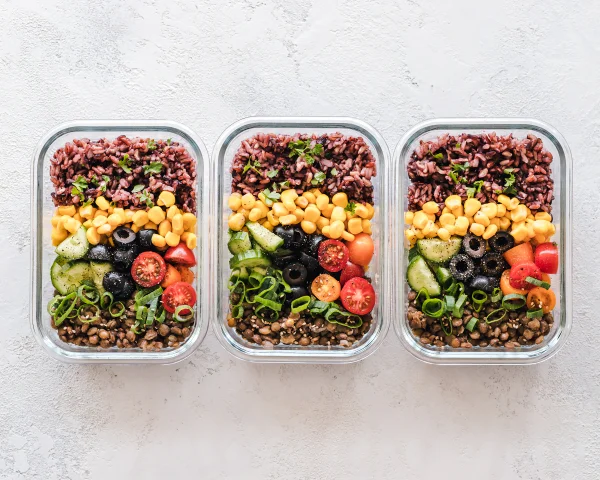
Seasonal grain bowl
Rice, lentils and fresh vegetables. Made with care, ready for your day.
$14.50
Made freshA time and place that works for you
Offer the pickup and delivery methods you configure. Customers choose eligible dates and slots, with preparation time and capacity behind the available choices.
A time that works
Pick up something good.
Keep the order moving, all the way through.
Follow orders through preparation and completion, with fulfillment and payment information close by. Customers can view confirmation and current order details.
- Confirmed
- Preparing
- Ready for Pickup
- Completed
From our kitchen to you
Your order is being prepared.
Follow the progress of your order.
- Confirmed
- PreparingIn the kitchen
- Ready for pickup
- Completed
From your kitchen to their door
Delivery, under your control.
Uber Eats, Uber Direct, Grubhub Marketplace and Grubhub Connect are intended integrations; availability is unconfirmed.
In-house delivery
Configure your pickup and delivery options.
Driver tools
Assign deliveries and follow progress from your kitchen to your customer.
Delivery connections
Bring orders from supported delivery services into your operation, with connections configured for your setup.
More connections to come
Keep business details, hours and menu information current on Google, Apple and other supported listings. Review your changes and choose where to publish them.
Online presence & marketing
Good food deserves to be seen.
Turn today’s specials and updates into posts for Google, Facebook and Instagram.
Turn a special into a post
Use your own words and photos, or draft text and images with AI.
Choose where it appears
Choose connected Google listings, Facebook Pages or Instagram professional accounts.
Publish now. Or plan ahead.
Review, approve and publish now—or schedule ahead.
A supported move
Bring your working day with you.
Migration support is available from launch. We’ll help scope the move from your current tools and records.
Explore migration
Good to know
Questions before you get started.
Does Chyve take a cut of my sales?
Chyve doesn't charge commission on your sales or fees on your transactions. Processing and courier charges are additional and billed by your providers. Chyve packages and optional services cost extra.
See pricing and setupWhere are my operational and customer records stored?
Records live with your Food Operations installation: on your existing WordPress website and hosting, or in your Chyve-hosted workspace. Chyve's own account/billing records are separate.
Payment providers hold information needed for payments; optional connections exchange relevant data; support may need authorized access. Exports cover supported configuration and inventory reference data. Configuration restore points are not full-site backups. You manage Software backups; Hosted and Site + Ops include daily service backups.
Read about your recordsDo I have to offer online ordering?
Online ordering is an optional part of your setup in all three packages. Use the tools without selling online.
Compare the three packagesCan you help me switch from my current tools?
Bring your existing website and the records you want to keep. We review what can move, agree the scope and price, and plan the handover with you. Assisted setup is included with a Chyve website build.
Explore migrationSee how it all fits together.
Follow the work from setup and production through customer ordering and fulfillment.